Yetishare 6.2 lets users connect AI assistants like Claude Desktop and Cursor directly to their file account. Search folders, upload documents, organise content, and create share links in natural language - without copying paths or writing custom integrations. Users create scoped tokens from Account settings; administrators enable the feature when ready. Built into your existing install, no extra services or plugins.
Connect AI to Your Files
-
Built into Yetishare
The MCP server runs inside your installation. No separate runtime or additional hosting required.
-
Leading AI clients
Works with Claude Desktop, Cursor, and other MCP-compatible desktop apps and IDEs.
-
Natural language control
Users ask their assistant to find files, upload content, organise folders, or share links in plain conversation.
Manage Files from Chat
-
Browse and search
List folders, search by name, filter by file type, and sort by date, size, or downloads.
-
Upload and organise
Upload files, rename items, move or copy content, and send files to trash from the assistant.
-
Share from the assistant
Create public links, email shares to recipients, and list or revoke existing shares.
-
Inspect file details
Read metadata, view stats, and generate download URLs without opening the file manager.
Scoped Agent Tokens
-
User-created tokens
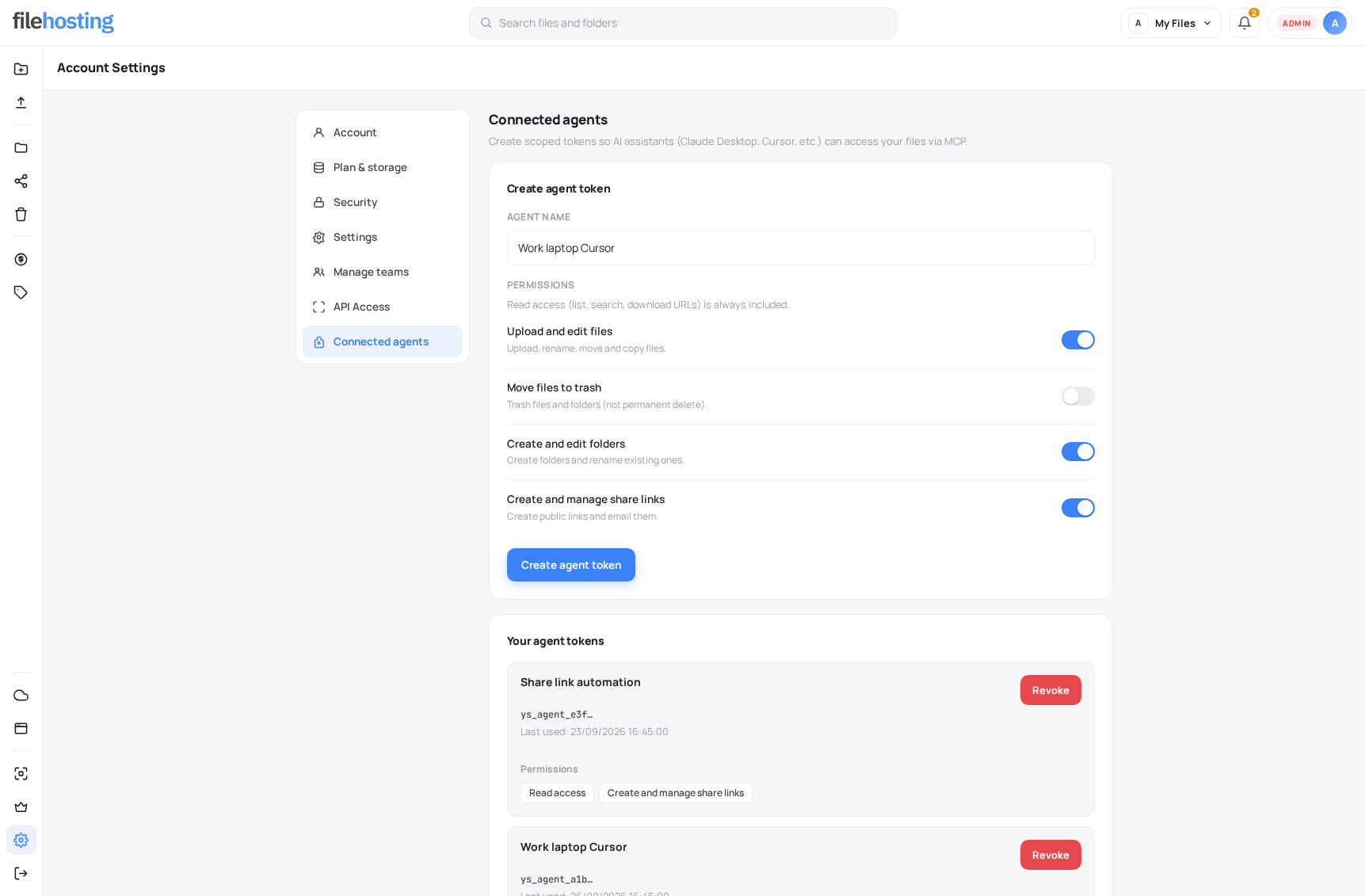
Each device or app gets a named token from the Connected agents page in account settings.
-
Permission toggles
Choose read-only access or enable upload, edit, folder, trash, and sharing scopes per token.
-
Instant revoke
Disable a token anytime. Token creation and revocation are recorded in user action logs.
-
Your account only
Every request runs as the token owner. Agents cannot access another user's files.
Connected Agents Setup
-
Ready-to-paste config
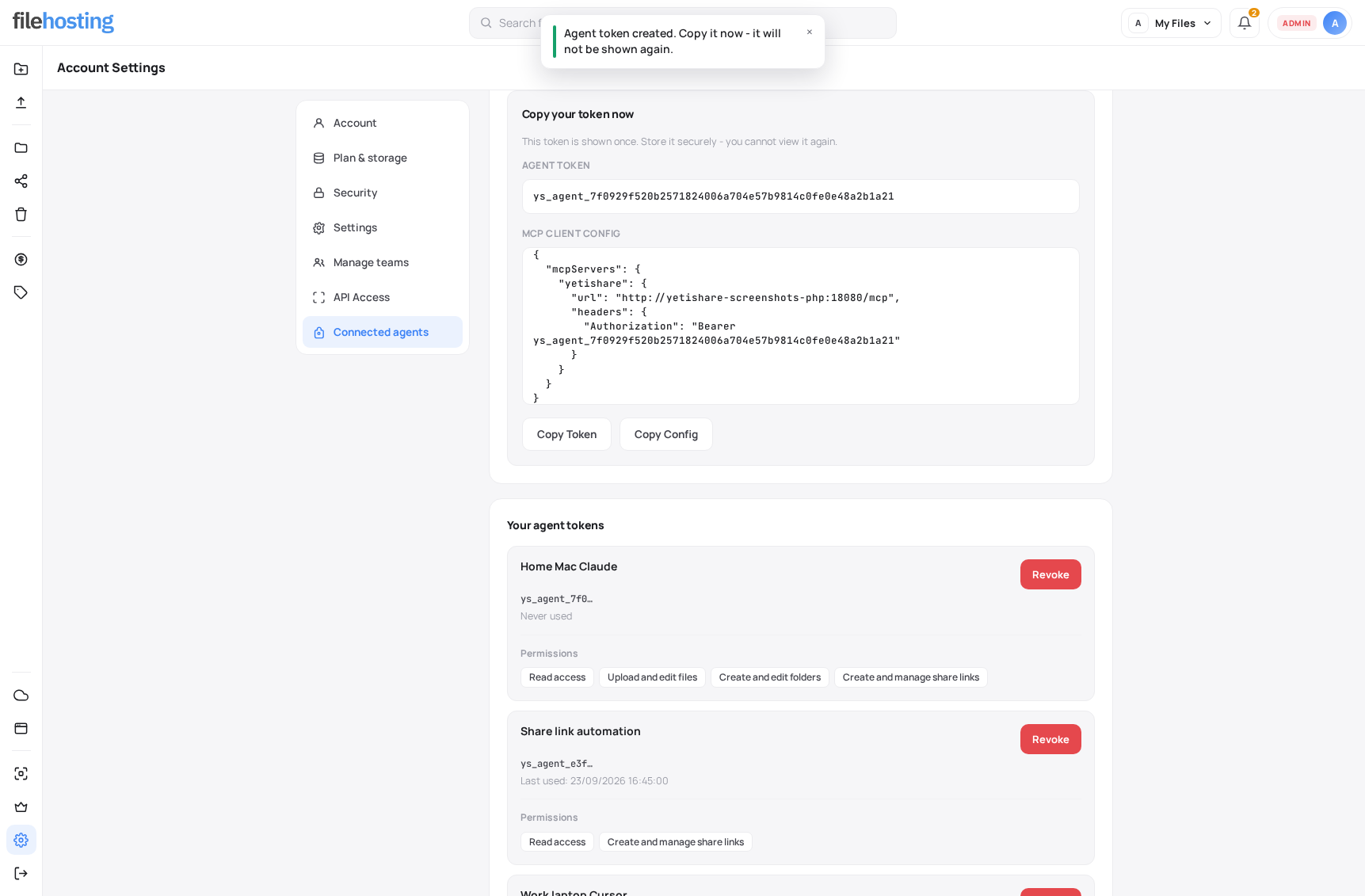
Creating a token shows a full MCP client config snippet for Claude Desktop, Cursor, and similar tools.
-
Shown once
The bearer token is displayed securely at creation time, then only a masked reference is kept.
-
Demo mode support
Demo sites can issue read-only tokens for testing. Write scopes are blocked in the UI and on the server.
Admin Control
-
Enable when ready
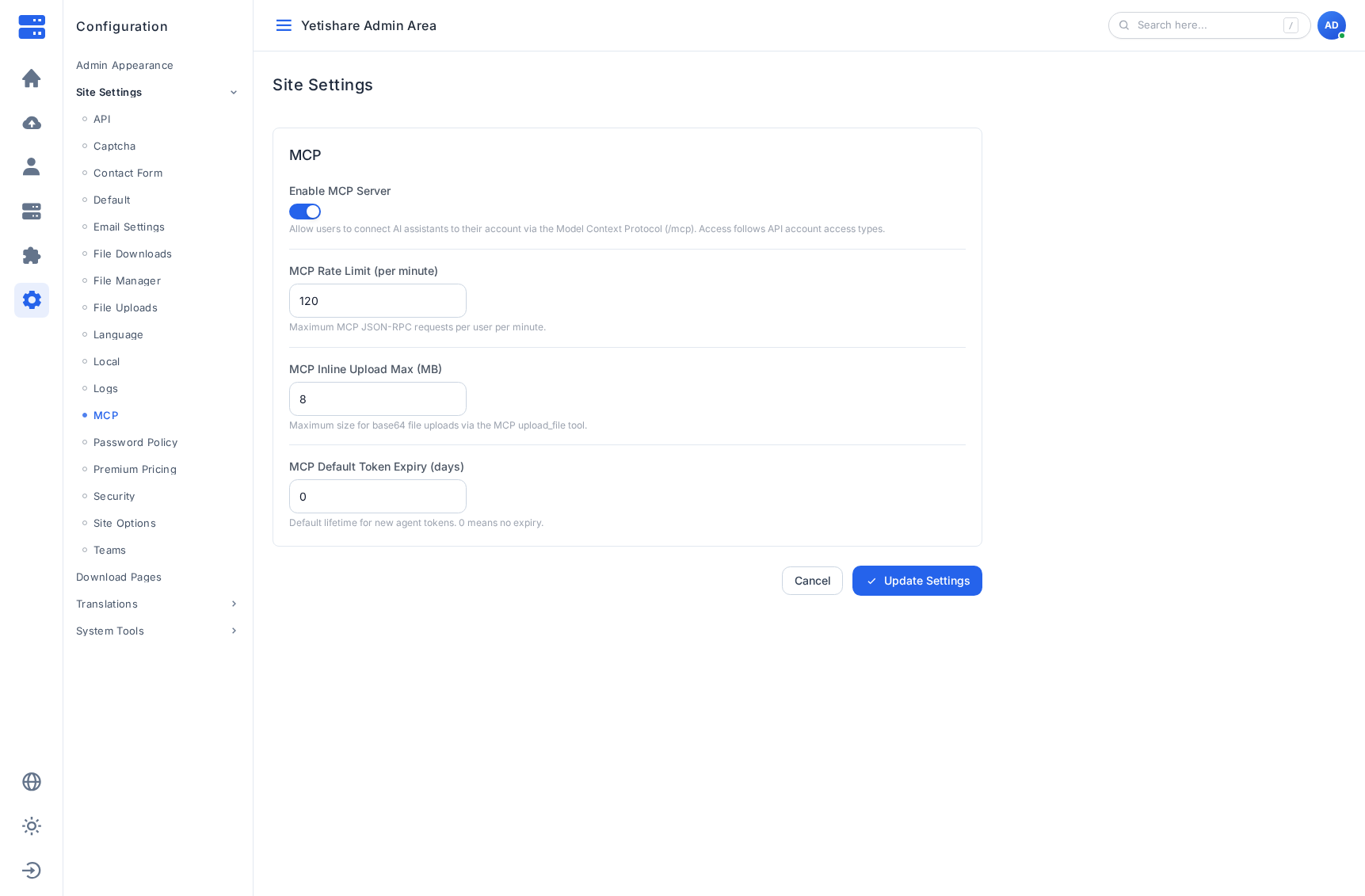
MCP is disabled by default after upgrade. Turn it on in Configuration when your site is ready.
-
Rate and size limits
Set per-user request caps, inline upload size limits, and default token expiry from admin settings.
-
API access gating
Only account types allowed API access can create agent tokens, matching your existing REST API policy.
-
Production security
Tokens are stored hashed, rate limited, and scoped. Grant the minimum permissions each agent needs.
Built For
-
Developers in the IDE
Pull assets, upload builds, and organise project folders from Cursor without leaving the editor.
-
Knowledge workers
Search large libraries by type or date and share documents through conversation instead of manual clicks.
-
Self-hosted differentiation
Offer modern AI integration on your domain, under your data policies, without third-party cloud storage.