Yetishare v6.3: File Editing, ONLYOFFICE Support and Revisions
Yetishare v6.3 is out now: edit text and code in the browser, open Office documents for real co-editing, and keep a clear history of file revisions - plus local PDF preview and stronger WebDAV sync with the core file stack.
As always, free upgrades are available to all existing Yetishare customers. Download the latest release from your account area and follow the upgrade guide in /install. This release includes database changes - apply the SQL in /install/yetishare/resources/upgrade_sql_statements/v6.3.0.sql as part of your upgrade.
Want to explore before you upgrade? The live demo has v6.3 enabled: https://fhscript.com/ (log in with admin / Password@Demo to try the file manager).
Edit Word, Excel, and PowerPoint with ONLYOFFICE
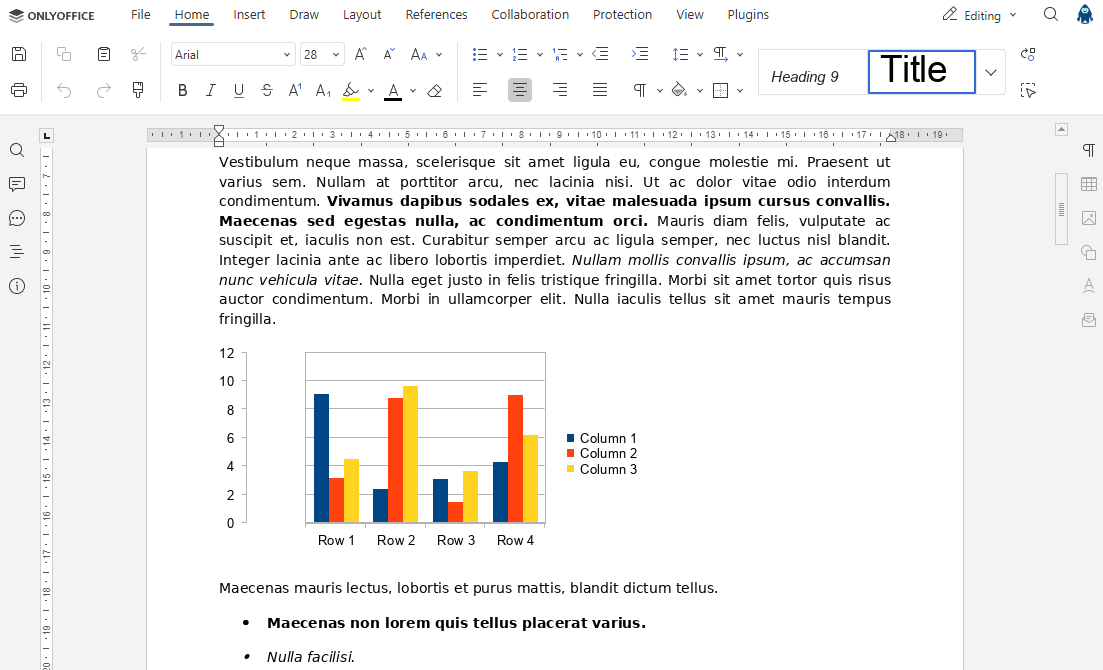
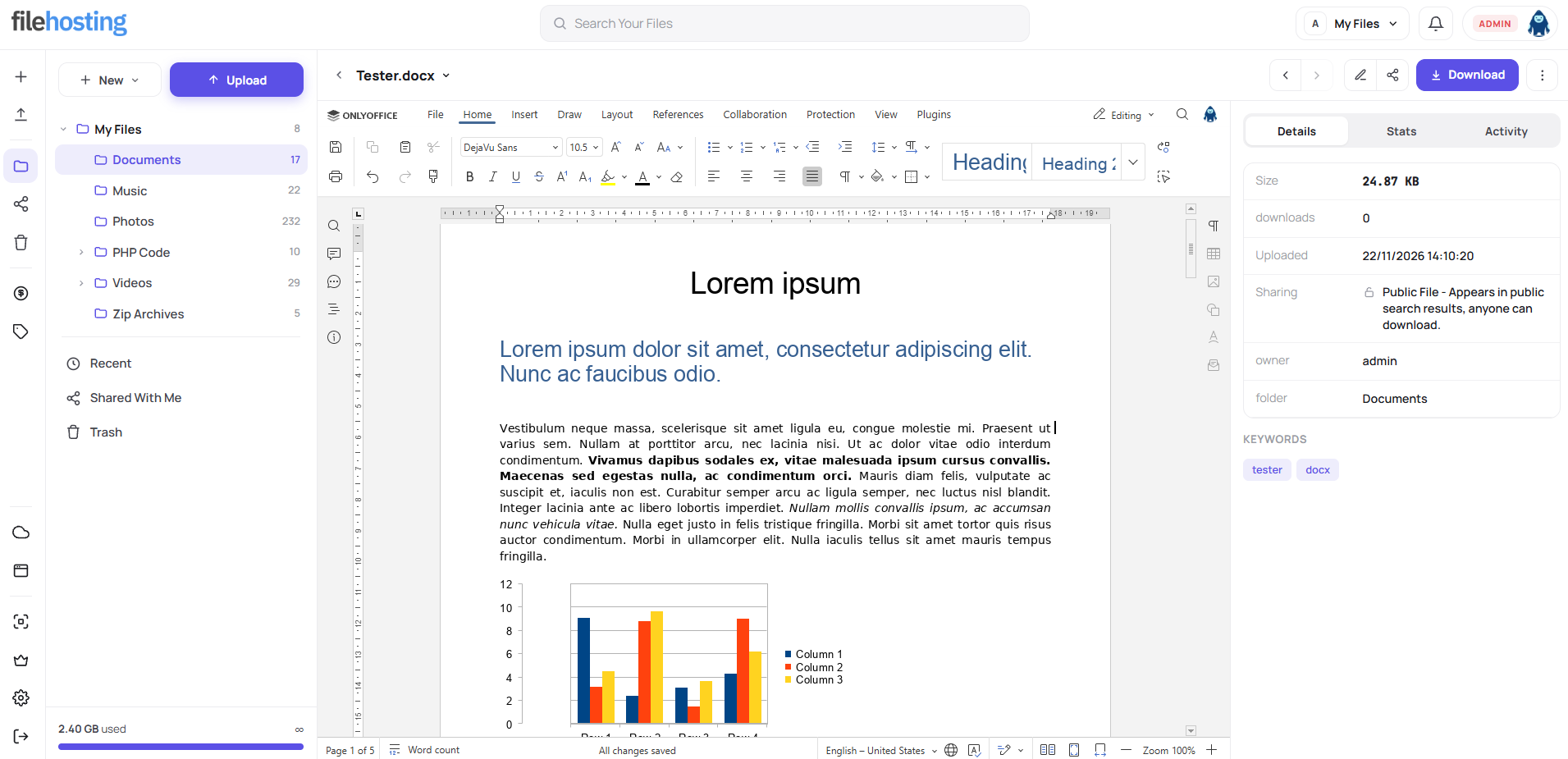
v6.3 adds ONLYOFFICE inline editing in file preview for docx, xlsx, and pptx. You run a separate ONLYOFFICE instance; embeds and public links stay read-only for guests.
In the Nova file manager, Office editing matches light and dark theme, shows co-editing avatars, and supports @mention comments with in-app and email notifications. Text and code still use the Monaco toolbar; Office types use ONLYOFFICE's toolbar only.
Site owners configure ONLYOFFICE on the File Previewer plugin Documents tab: server URL, JWT, enabled types, health check, and which new document types to allow. The integration includes save callback handling, SSRF-safe downloads, scoped co-author API, locale fallback, and audit attribution to the editing user.
Note: ONLYOFFICE integration requires you to install ONLYOFFICE Community Edition. We have a guide for Ubuntu here.
Edit text and code without leaving the file manager
The headline change in v6.3 is Monaco-powered inline editing in file preview for text and code types. Users can save, work read-only when needed, save with a comment, or save as a copy - without downloading and re-uploading.
Day-to-day editing is built for real use:
- Concurrent edits: version polling, compare banners, a conflict dialog, local IndexedDB drafts, offline retry, and mid-edit re-login when a session expires
- Toolbar with display preferences that persist in the browser; Ctrl+scroll font zoom; RTL-friendly status bar
- Clear save styling when there are unsaved changes; fullscreen below the top bar (mobile fills the viewport)
- Reliable open from the listing; refresh after restore when another tab saved a newer version
New document and save-with-comment modals share a consistent layout: pick a destination, see the extension suffix, and choose from searchable file-type badges. Create is offered only for editable Monaco or ONLYOFFICE types. When ONLYOFFICE new documents are enabled, users can start blank .docx, .xlsx, and .pptx files from the same flow.
"New" menus now group folder and document creation on the slim rail, folder tree, account settings, API docs, plugin pages, and the mobile drawer - permission-aware, with improved narrow-screen drawer UX.
Revisions, preview, and PDFs users can trust
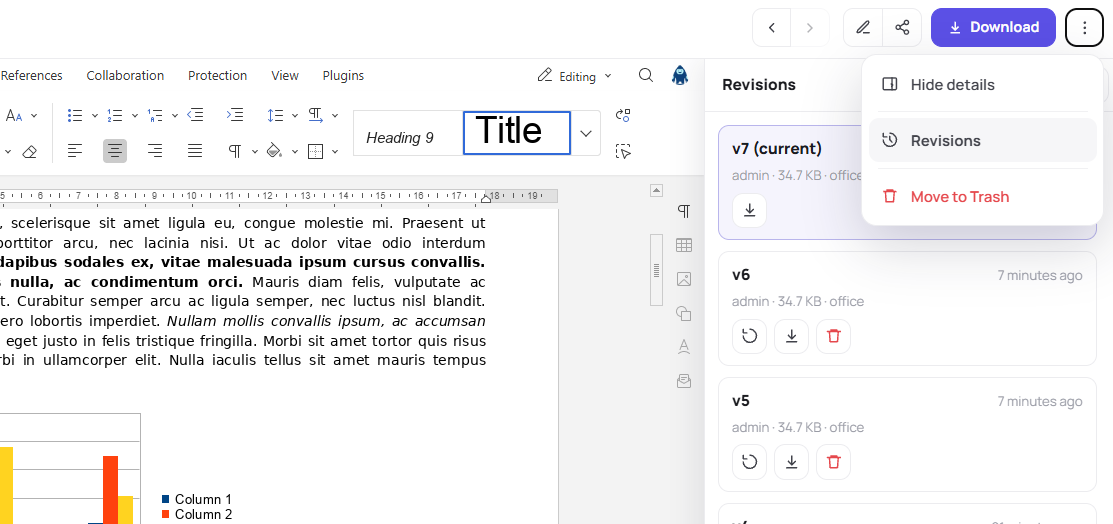
Editable file types get a full revision story inside preview, respecting package and site limits:
- Revisions drawer lists history (including v1 for never-saved files); view, compare, restore, download, and delete for owners; pagination after the first eight items
- Downloads use the original filename; binary office types use a dedicated download endpoint
- The details panel stays in sync after inline save, restore, or metadata edit without reloading the listing or editor
- Preview navigation keeps the shell mounted with a loading overlay; icon back; centred download when no previewer; edit details and share as icons; More menu for revisions, trash, and the details panel
Guests and non-editable types keep the lightweight text iframe preview. Team workspace preview shows manage chrome where appropriate; file details at team root; move-to-root and prev/next include personal My Files.
PDFs now render with local PDF.js (v6.4) instead of Google Docs - better for private sites and embeds. Other document preview types are unchanged.
Admin, WebDAV, and payments
On the admin side, file editing settings live in Site Configuration and on account packages (edit/create documents, revision limits, and retention). Admin file view adds tabs for edited files: read-only Monaco content with audit on reads, artifacts with revision numbers and download/remove, and upload source for Nova new documents.
Automatic site backups work again on PHP versions before 8.4. The Prime sidebar expands key sections on first load. Team root moves and file preview prev/next at team root are fixed when a team workspace is active.
WebDAV plugin v26 writes through core FileContentService so revisions, quota, and hooks stay consistent; safe MOVE overwrite; direct storage reads; and a dedicated lock table. v26 improves PROPFIND on large accounts, stable content-hash ETags, and parallel connection lock handling. Upgrading the WebDAV plugin may require its own SQL patches - the admin plugin upgrade runs applicable files automatically.
Payment v10 and Vouchers v17 now require PayPal IPN _notify-validate (VERIFIED) before completing orders. Payment return refreshes the logged-in session when IPN completes, so new package limits apply without forcing a re-login.
Smaller improvements that add up
Alongside the big features, v6.3 includes polish across Nova and admin:
- Dark mode updates for preview details, move/destination modals, upload dock, stats tiles, and the revision drawer
- Revisions drawer stacks under the top bar and closes cleanly with navigation or panel changes
- Full-width details panel on mobile preview
Release notes
You can find the full release notes below:
If you missed v6.2
Still on v6.1 or v6.0? v6.2 shipped team workspaces, AI file access, and direct cloud uploads - worth catching up if you have not upgraded yet:
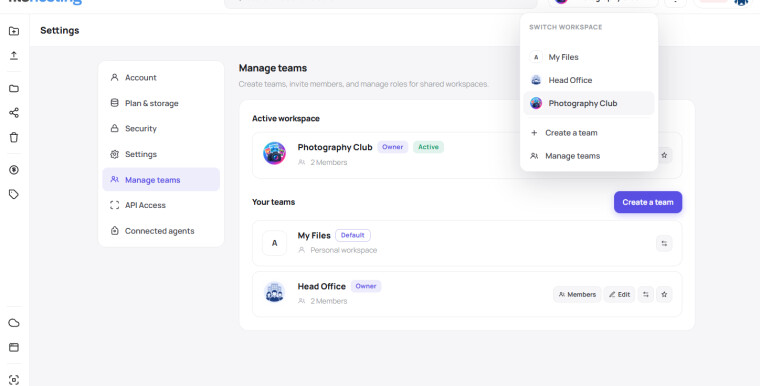
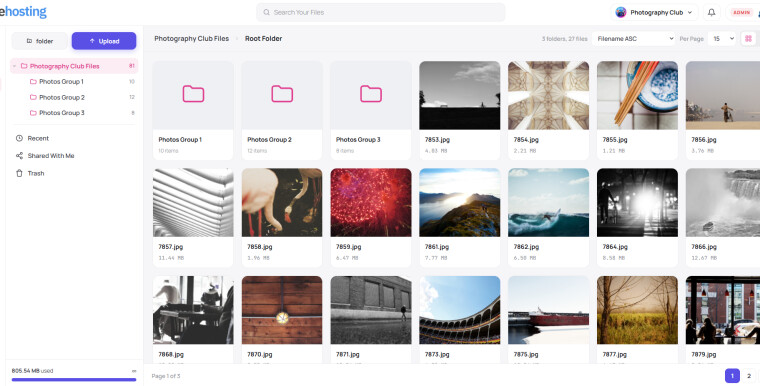
- Team workspaces - create teams, invite by email, switch personal vs team files, roles, and copy between spaces
- MCP server and Connected agents - scoped tokens so assistants like Claude Desktop and Cursor can work with files in plain language
- Direct-to-cloud uploads for S3-compatible storage plugins
- Manage Teams in admin, MCP rate limits and defaults, thumbnail loading spinners, and many Nova fixes
v6.2 is on the same free upgrade path, so moving straight to v6.3 gets you everything in one go.
Try it today
Head to the demo and click around:
Open a text file in preview, try revisions, browse file editing settings, and see how Nova feels with v6.3. When you are ready, grab the update from your Yetishare account - it is included if you're within your script support period.
Questions about upgrading, ONLYOFFICE hosting, or package limits for editing and revisions? Drop us a line through the usual support channels - we are happy to help you get set up.